

How does access control work, and does your building need it?
Access control lets approved people enter the right parts of your building at the right times, while keeping other doors secure. Your site needs it when keys, sign-in sheets or reception checks no longer give you selective permissions, reliable records or quick control when people change roles or leave.
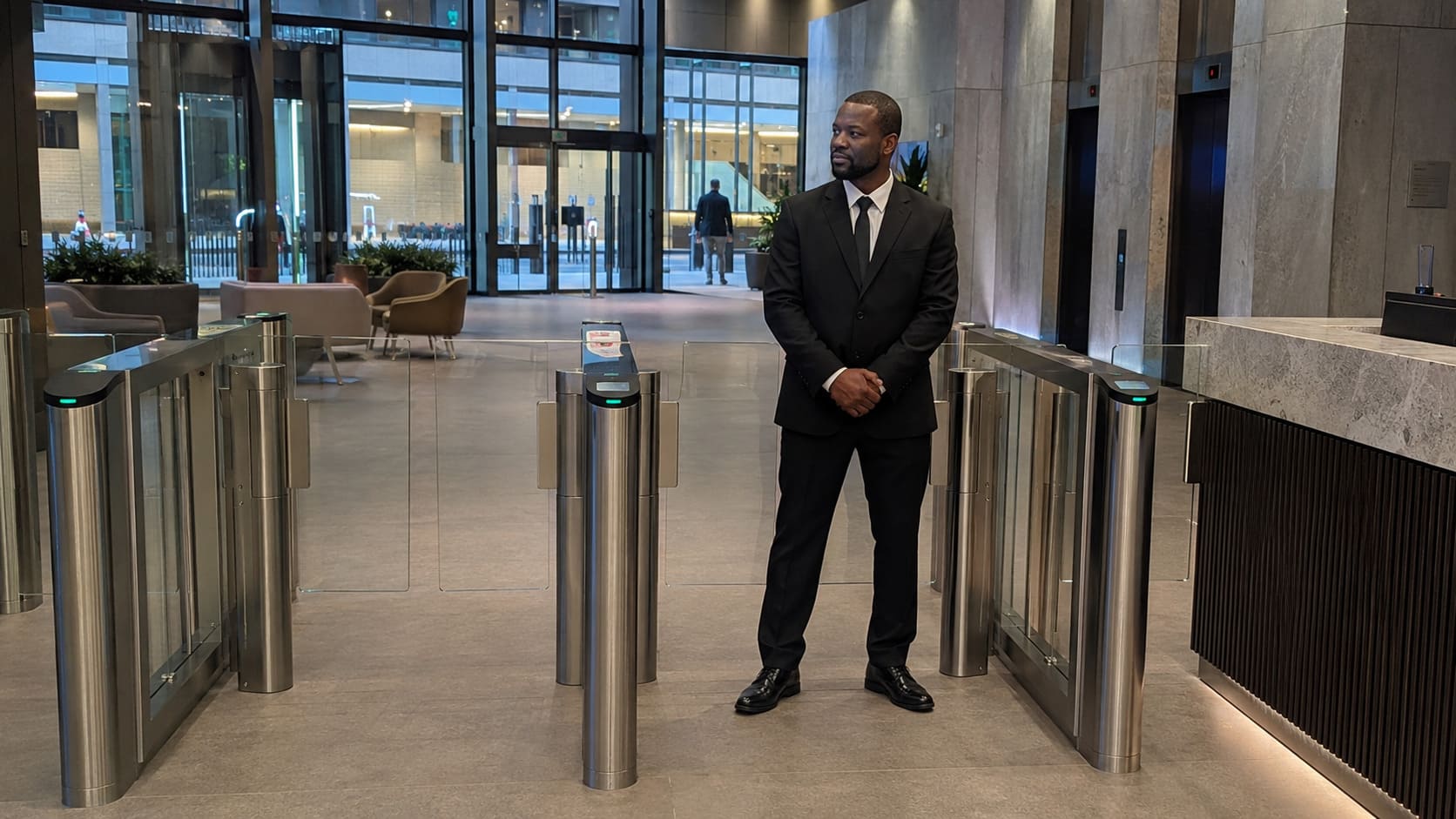
Security officer monitoring office access-control gates – Illustrative Image
What Do We Cover In This Article?
Access control checks identity, permission and timing
A cleaner reaches a back-of-house door out of hours and presents a fob. A visitor tries to enter a staff-only corridor. A contractor needs plant room access for one morning. In each case, a commercial access control system does the same job. It checks whether that person, at that door, at that time, has permission to enter.
The National Protective Security Authority describes an automatic access control system as the decision-making part of the set-up, applying rules for access zones, access times and anti-passback. Anti-passback is a rule that stops a credential being reused in a way that breaks the intended entry sequence, such as passing a fob back to another person.
The working sequence is simple:
- A person presents a credential, such as a card, fob, code or biometric check.
- The door reader sends the credential details to the control panel.
- The control panel checks the credential against the entry rules for that door.
- The electronic lock releases if access is granted, or stays secure if access is denied.
- The system records the event, and some systems raise an alert for activity such as an unauthorised attempt or a door held open.
That last point matters. Building access control is useful because it creates a site record, not because it looks modern on the wall. A lock tells you whether a door is shut. An access control audit trail can tell you which credential was used, where, and at what point in the working day.
Access control is a rules-based system. It is not a substitute for site management.
The visible reader is only one part of the system
You see the reader on the wall, but the control sits in the permissions behind it. The hardware matters, yet the real decision is how much control your building needs over people, areas and times.
Ordinary keys still work for simple sites with a small number of trusted keyholders. Their weakness appears when keys are copied, lost, unreturned or shared. A key opens the door, but it does not normally prove who used it, and changing access can mean changing locks or chasing people for returns.
Credentials fall into three broad groups: something the user has, something the user knows, and something the user is. Cards and fobs prove possession. A personal identification number, usually shortened to PIN, proves knowledge. Biometric access control uses a physical feature of the person, such as a fingerprint check. Higher-risk areas sometimes use two-factor authentication, which means combining two checks before entry is allowed.
Here is the practical difference between common credential types:
| Credential type | What it does well | Main caution |
|---|---|---|
| Cards or fobs | Easy to issue, remove and replace | Users can lend them to someone else |
| PIN access control | No physical item to carry | Shared codes weaken accountability |
| Mobile credentials | Useful where staff already use work phones | Phone access needs clear user rules |
| Biometric verification | Links access to the individual | Best kept for higher-sensitivity access, not used by default everywhere |
| Two-factor authentication | Adds a stronger check for restricted areas | Adds friction, so it should match the risk |
Standalone systems, networked systems and cloud-managed systems all have a place. The right choice depends on how your building is run, how many doors need control and who administers permission changes. Newer does not automatically mean better; the credential has to fit the risk of the area and the behaviour of the people using it.
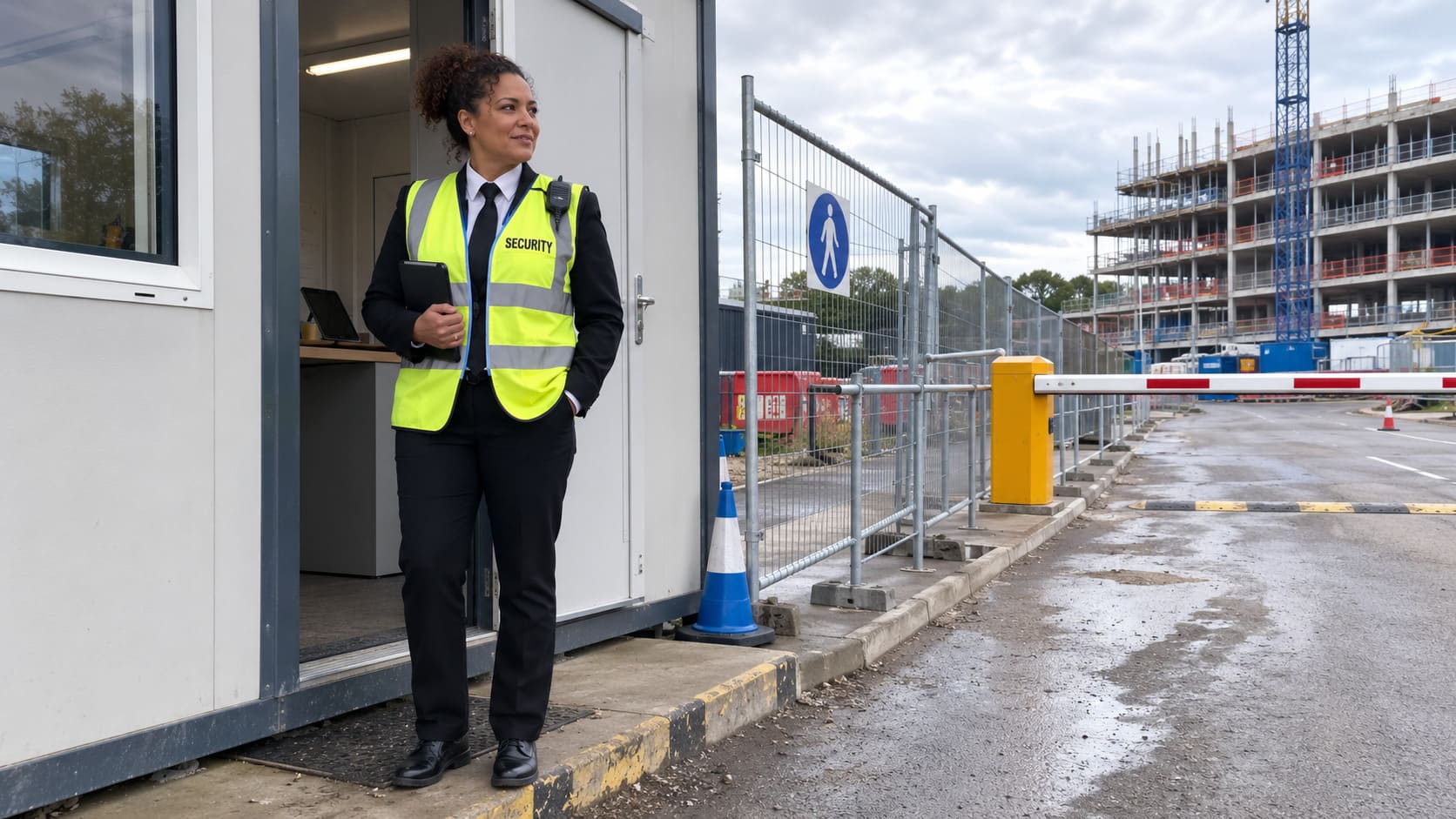
Security officer controlling access at a construction gate – Illustrative Image
Permissions, visitors and staff leavers need ownership
Who removes access when someone leaves? That question tests the strength of the whole set-up better than any brochure about readers, locks or software.
Door control is not the same as site access management. Equipment can work exactly as installed, yet the building can still carry old permissions, uncollected fobs and vague rules for visitors. Permissions age quickly in a working site because people move teams, contractors finish jobs, cleaners attend out of hours and temporary passes drift into normal use.
Staff leavers need prompt removal. A leaver process that ends at payroll or human resources leaves a security gap if access permissions stay live. The access control record should match who actually needs to be in the building now, not who needed entry months ago.
Visitors and contractors need a route through the system. Reception teams and security guarding still matter because a system cannot judge intent. A visitor sign-in process, an escorted route and temporary contractor access have to line up with the permissions in the system. Otherwise, the door record tells only half the story.
Out-of-hours access needs tighter thinking. A cleaner, delivery driver or maintenance contractor entering after normal opening hours changes the risk profile. The point is not to block legitimate work. The point is to make sure access is approved, traceable and limited to the areas needed.
Access systems can log interactions and raise alerts for events such as repeated unauthorised attempts, doors left open and anti-passback activity. In practice, operators such as Double Check Security Group treat that record as part of wider site management, alongside reception, guarding and control room response, because data has value only when someone reviews it and acts on it.
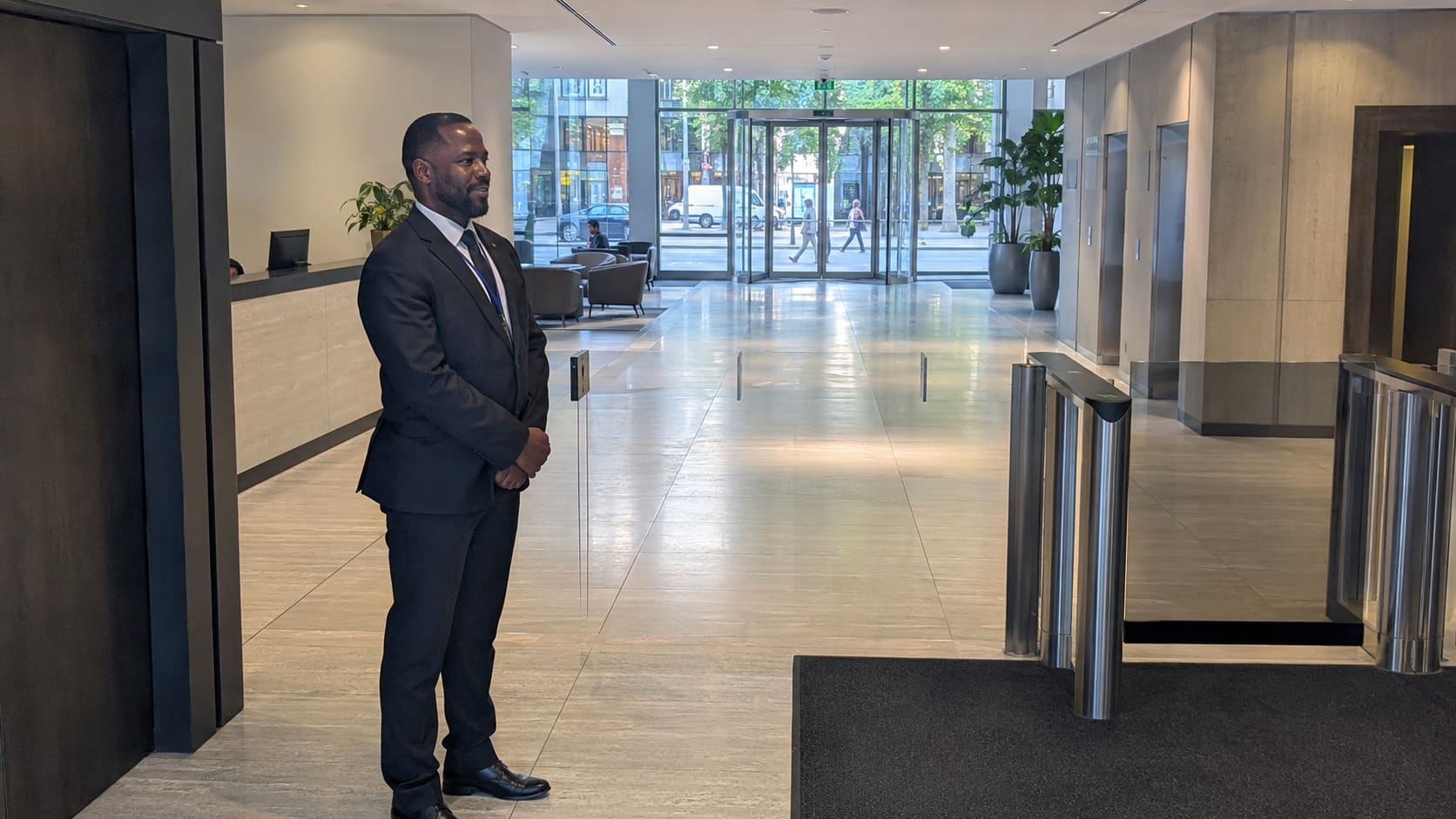
Security officer overseeing access gates in an office lobby – Illustrative Image
Keys and reception logs stop working when access must be selective, traceable and changeable
When a site grows beyond a few trusted keyholders, informal control starts to strain. Keys and reception logs can still suit a small, low-risk workplace where the same people attend, access is predictable and no area needs special protection. The trouble starts when the building asks more of the system than a key can deliver.
Multiple teams, mixed tenants or separate departments need selective access. A warehouse with stock rooms, an office with server rooms or a retail premises with back-of-house areas needs permissions that separate ordinary movement from restricted entry. The same applies when staff turnover, contractor visits or shared shifts make it hard to know who still holds access.
Manual logs also weaken when you need evidence after the event. A reception book can show that someone signed in, but it does not control which internal door they reached. Closed-circuit television, usually called CCTV, can help you review footage, but it does not grant or deny entry. Access control for offices, retail premises, warehouses and hospitality sites becomes worth serious consideration when you need both a decision at the door and a usable record afterwards.
Public-facing premises add another layer. Home Office guidance on the Terrorism (Protection of Premises) Act 2025, commonly known as Martyn’s Law, links qualifying premises with preparedness procedures such as evacuation, invacuation, lockdown and communication. That does not mean every commercial building must install electronic access control, but it does mean access decisions now sit closer to wider protective planning for some sites.
During access reviews, Double Check Security Group commonly assesses door control alongside guarding, reception, CCTV and alarm response. That wider view matters because the need is driven by risk profile and access complexity, not building size alone.
Reliable access control is managed with people, monitoring and escape routes
Readers on doors can create a false sense of order if nobody checks permissions, responds to alerts or tests how the system behaves during a disruption. The stronger approach starts with how the building actually runs. Staff arrive through one route, visitors report somewhere, contractors need limited entry, and security staff or reception teams need a clear view of exceptions.
The National Protective Security Authority is clear that access control should be deployed with other protective measures such as CCTV and intruder detection systems, not treated as the whole answer. That is the practical point. A door reader denies entry, but a guard, reception team or control room deals with the person who keeps trying. A camera records context. An alarm response process gives the alert somewhere to go.
Resilience also belongs in the design. The National Protective Security Authority says access control systems should be backed up with an uninterruptible power supply so the system keeps running in a power outage. Fire safety planning cannot be an afterthought either. GOV.UK workplace fire safety guidance says evacuation plans must include clear escape routes, enough exits and emergency doors that open easily, so access-controlled doors on escape routes have to support safe escape in practice.
Two common approaches appear in commercial buildings. One fits readers to doors, leaves permissions to drift and hopes the system manages itself. The other treats access as a live operating discipline, with clear permissions, monitoring, emergency escape planning and review built into the routine. The second approach takes more thought at the start, but it leaves fewer gaps for the building to carry later.
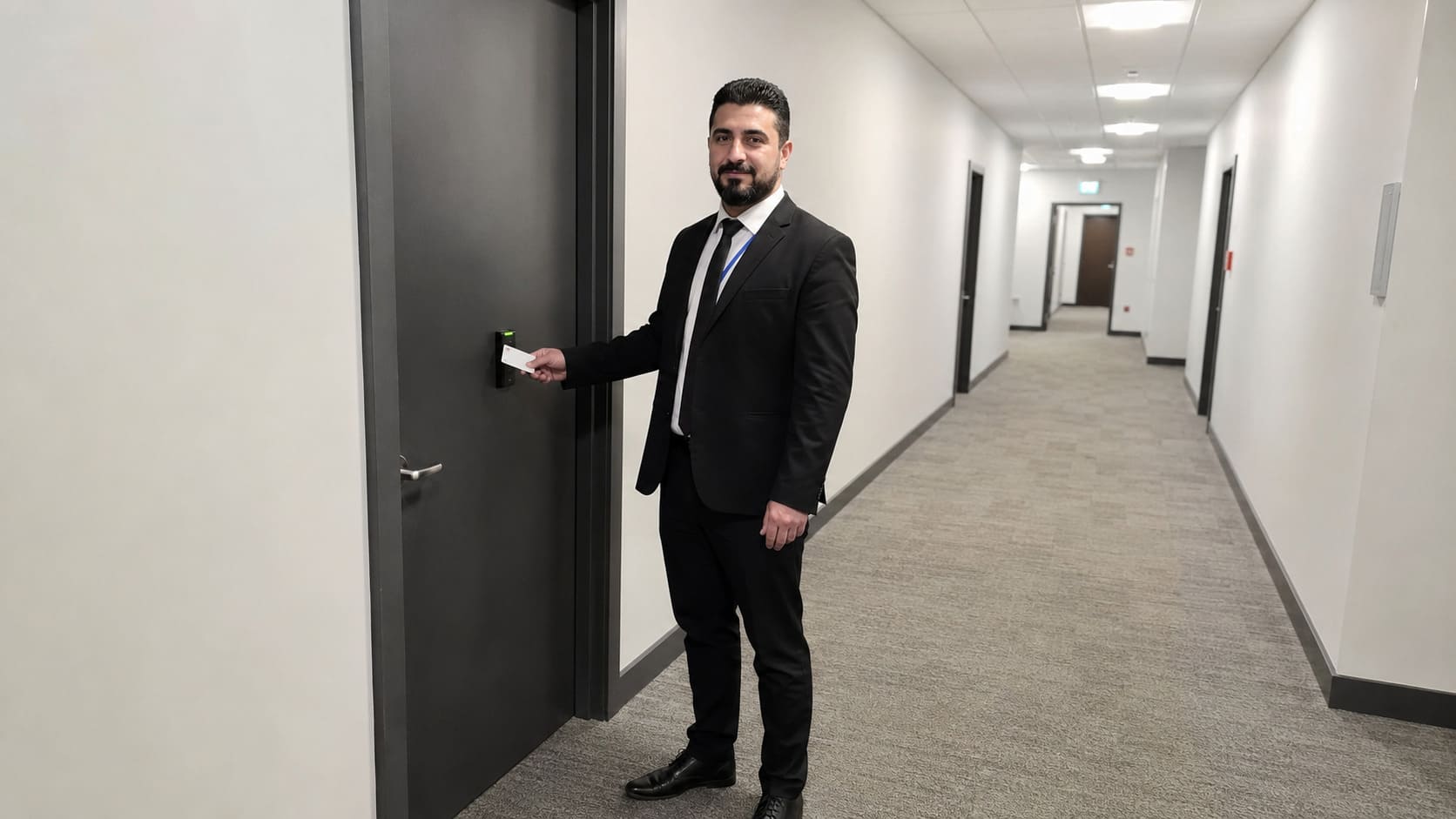
Security officer checking a secure office corridor door – Illustrative Image
Common questions about commercial access control
What is the difference between access control and CCTV?
Access control decides whether a person can enter a door or area. CCTV records and supports monitoring, but it does not by itself grant or deny entry.
Can access control work without the internet?
Some systems can operate locally, and others use remote administration or cloud-managed features. The right arrangement depends on how your building is managed and what level of remote control you need.
What happens to access control in a power cut?
A properly planned system deals with loss of power as a design issue. An uninterruptible power supply can keep the access control system running during an outage, and escape routes still need to work safely.
Can access-controlled doors be used as fire exits?
Access-controlled doors can form part of an escape route only if the evacuation plan still works in practice. Emergency doors need to open easily, and the access control design must not trap people inside.
How often should access permissions be reviewed?
Permissions should be reviewed whenever people leave, roles change, contractor work ends or restricted areas change use. A regular review also catches old access rights that day-to-day admin can miss.
This is general information, not professional advice.
